Step 1. Submitting an application
You can apply for a personal B2B account in several ways, as described below
• Via the website administrator: Call the number listed in the "Contacts" section. After providing and verifying the relevant constituent documents, you will gain access to personal wholesale discounts.
• Via the "Have a question?" section: Fill out the feedback form in the "Contacts" section, providing your contact details and describing your registration inquiry. Our manager will contact you as soon as possible with all the details.
• Via the checkout process:
1. Select the required products (spare parts / components / wood chippers) and add them to the cart.
2. Proceed to checkout and fill in your contact details.
3. In the order comments, indicate your wish to gain access to a personal B2B account.
4. Click the "Place Order" button. When processing the order, our manager will contact you to clarify all the details for registering you as a business partner.
Step 2. Registration and receiving login credentials
• After document verification and signing the cooperation agreement, you will receive an email confirming your registration.
• The email will contain a login link and a temporary password for authorization in your personal account on the palche.ua website.
Step 3. First login to the B2B account
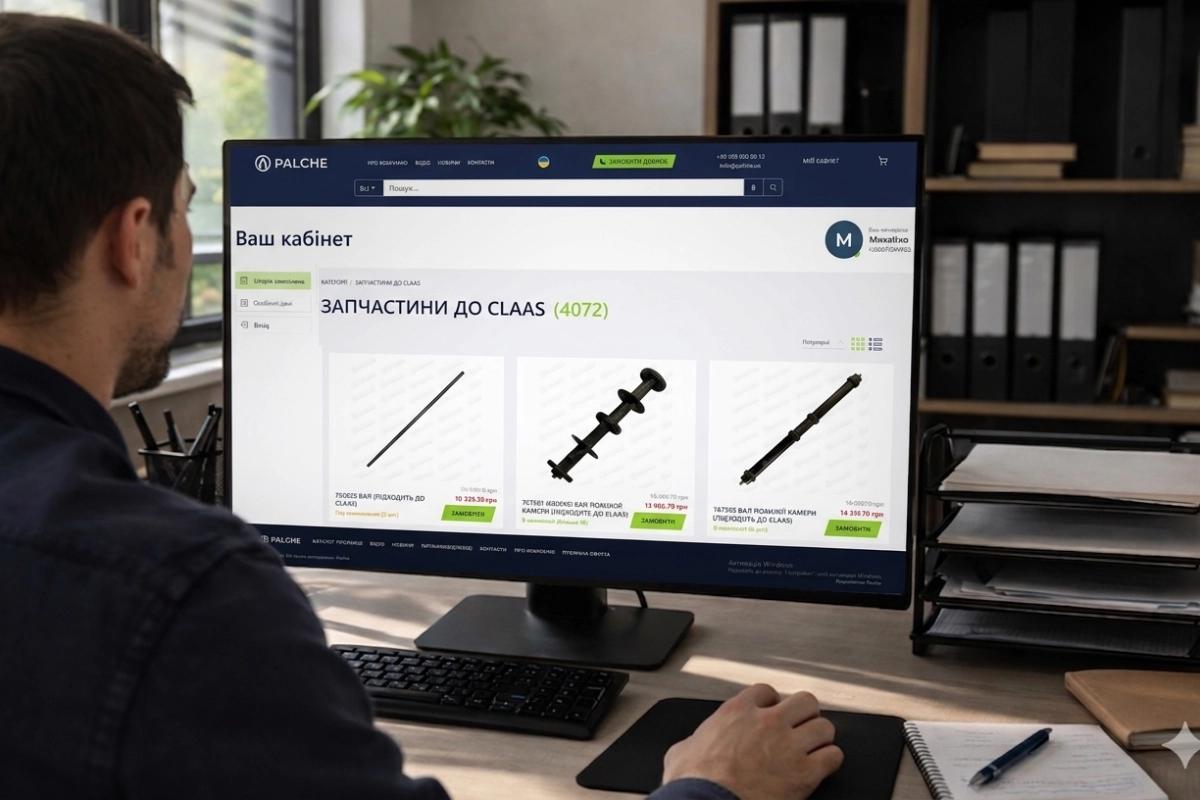
• Go to the homepage of palche.ua and click the "My Account" button.
• To log in, enter your username (your email) and the temporary password received in the email.
• After logging in, be sure to change the temporary password to your own by going to the "Change Password" section in your personal account.
Important: For your company's security, never share your B2B account login and password with third parties! If an employee who had access no longer works with you, notify us immediately to change the password.
If you have any questions regarding logging in or password recovery, please check the "FAQ" section